
For now, only the firm owner can connect LedgerSync. Access for teammates is coming.
How it works
1
Add LedgerSync to your AI
Follow Set up in Claude or Set up in ChatGPT.
2
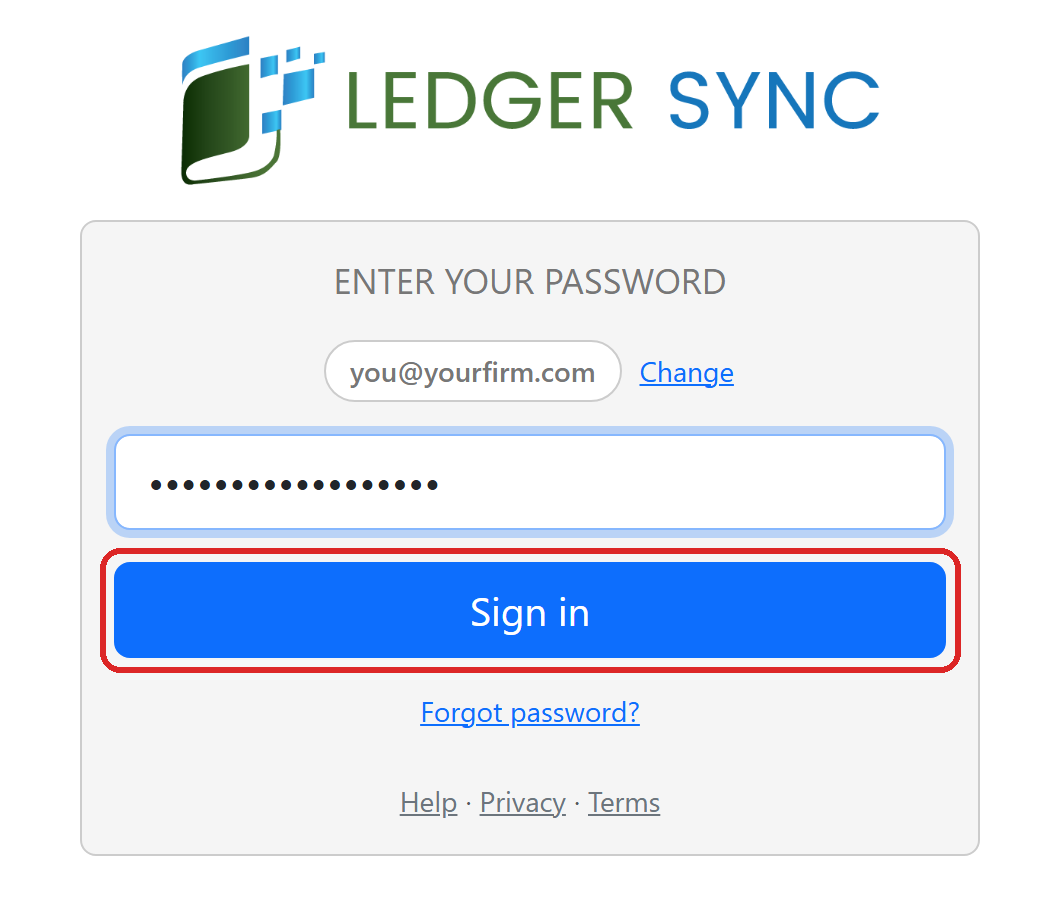
Sign in with your LedgerSync login
The LedgerSync sign-in page opens. Type your email or your LedgerSync username. Click Next.
Already signed in to LedgerSync in this browser? You go straight to the Allow page.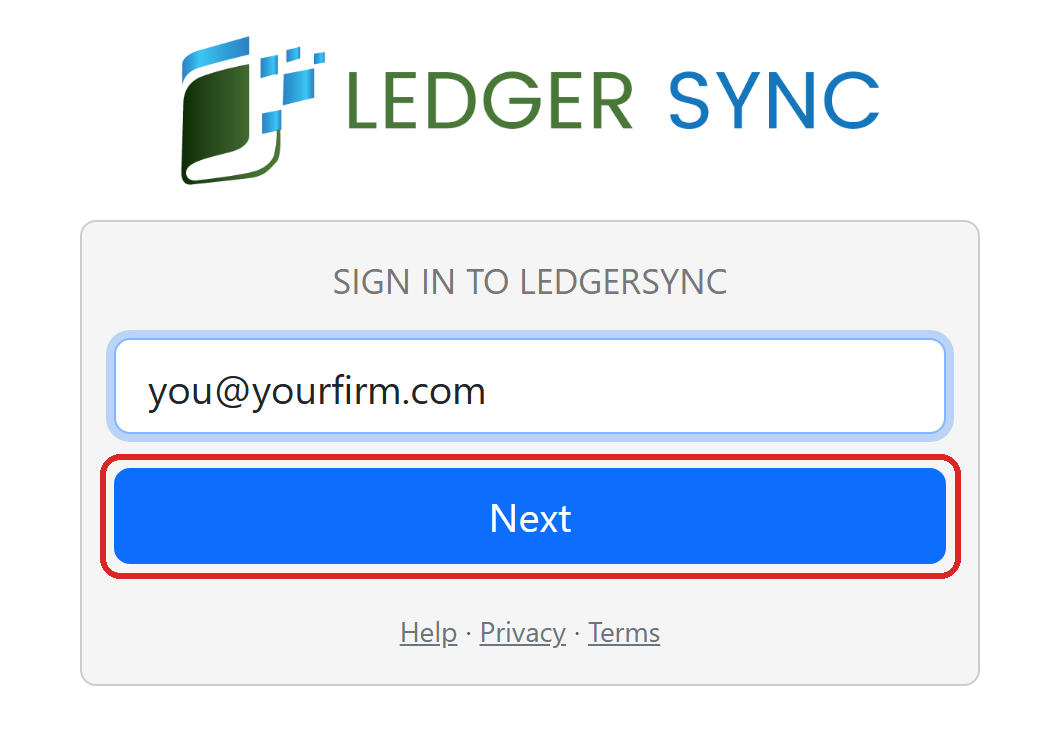
3
Click Allow
You see your firm’s name and your name. Click Allow. Then your AI asks to access your account: click
Allow access. You only see that the first time.
Set up in Claude
Add LedgerSync to Claude.
Set up in ChatGPT
Add LedgerSync to ChatGPT.